 DevDuo Software
Students
Turn articles and study pages into one PDF you can read on the bus, with no Wi-Fi.
- Wiki and reference pages
- Online notes and tutorials
- Exam guides and syllabus pages

Save any website or your own HTML as a seamless, scrollable PDF that keeps the layout exactly as it looks on the web. Made right on your phone.
Most converters chop a long page into A4 sheets, splitting text and images in half. Web to PDF keeps it as one smooth document.
Long articles, recipes and guides are easier to keep as a single document you can open anytime.
Most tools split a page into fixed-size sheets. Headings end up at the bottom of one page while their text continues on the next.
Images and tables are often sliced straight through the middle, making them hard to read.
Copy the address of the page you want and paste it in.
Remove banners or pop-ups so only the content remains.
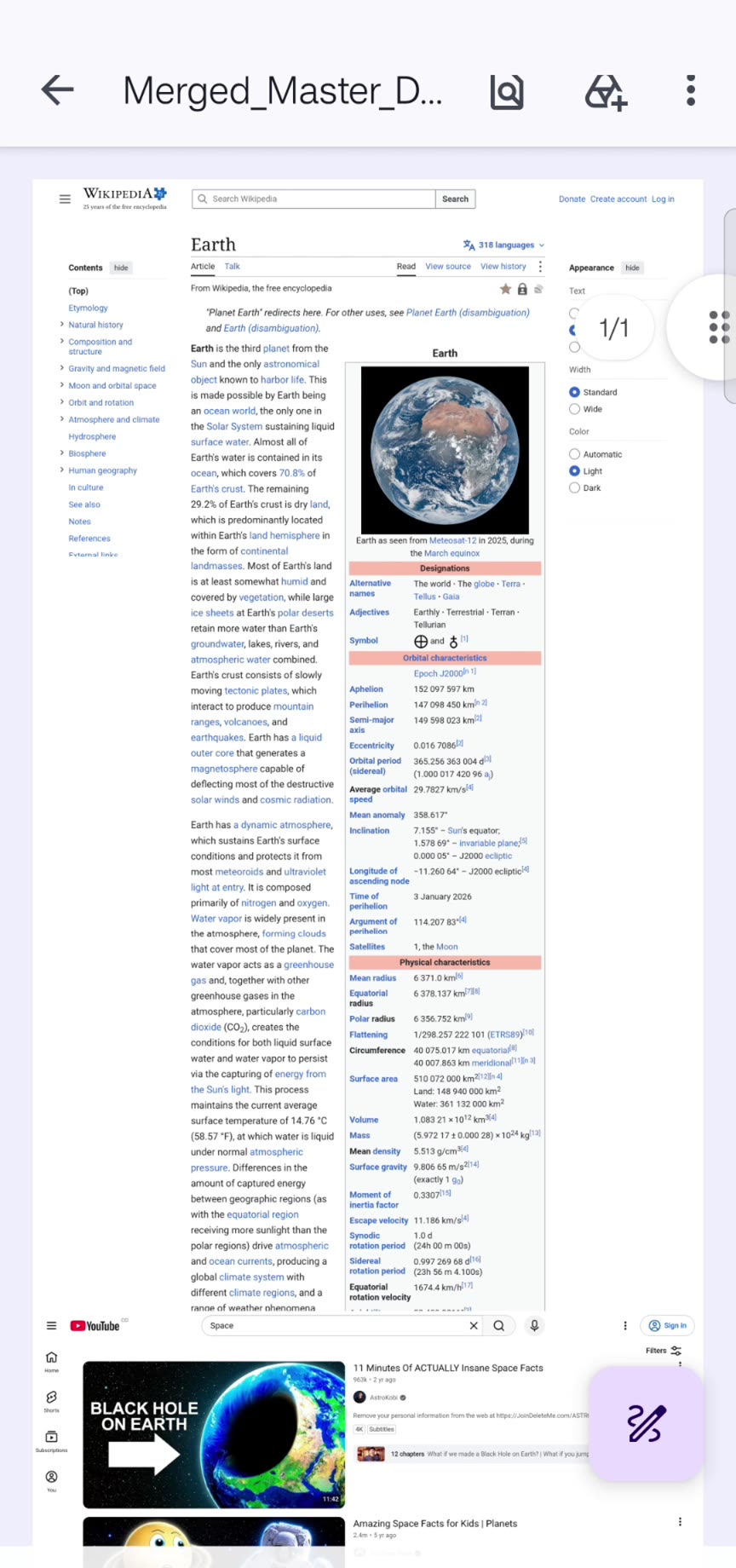
Your page is saved exactly as it looks, from top to bottom, in one continuous document.
That’s it. Share it, print it or keep it in your vault.
Long articles, recipes and guides are easier to keep as a single document you can open anytime.
Most tools split a page into fixed-size sheets. Headings end up at the bottom of one page while their text continues on the next.
Images and tables are often sliced straight through the middle, making them hard to read.
Copy the address of the page you want and paste it in.
Remove banners or pop-ups so only the content remains.
Your page is saved exactly as it looks, from top to bottom, in one continuous document.
That’s it. Share it, print it or keep it in your vault.
Long articles, recipes and guides are easier to keep as a single document you can open anytime.
Most tools split a page into fixed-size sheets. Headings end up at the bottom of one page while their text continues on the next.
Images and tables are often sliced straight through the middle, making them hard to read.
Copy the address of the page you want and paste it in.
Remove banners or pop-ups so only the content remains.
Your page is saved exactly as it looks, from top to bottom, in one continuous document.
That’s it. Share it, print it or keep it in your vault.
Long articles, recipes and guides are easier to keep as a single document you can open anytime.
Most tools split a page into fixed-size sheets. Headings end up at the bottom of one page while their text continues on the next.
Images and tables are often sliced straight through the middle, making them hard to read.
Copy the address of the page you want and paste it in.
Remove banners or pop-ups so only the content remains.
Your page is saved exactly as it looks, from top to bottom, in one continuous document.
That’s it. Share it, print it or keep it in your vault.
✕ Typical converter: content cut across pages
Long articles, recipes and guides are easier to keep as a single document you can open anytime.
Most tools split a page into fixed-size sheets. Headings end up at the bottom of one page while their text continues on the next.
Images and tables are often sliced straight through the middle, making them hard to read.
Copy the address of the page you want and paste it in.
Remove banners or pop-ups so only the content remains.
Your page is saved exactly as it looks, from top to bottom, in one continuous document.
That’s it. Share it, print it or keep it in your vault.
✓ Web to PDF: one continuous page
Edit the code below and watch the preview update, just like the HTML editor in the app. In the app, one tap turns the result into a PDF.
The preview runs in a safe, isolated sandbox in your browser. HTML, CSS and JavaScript all work.
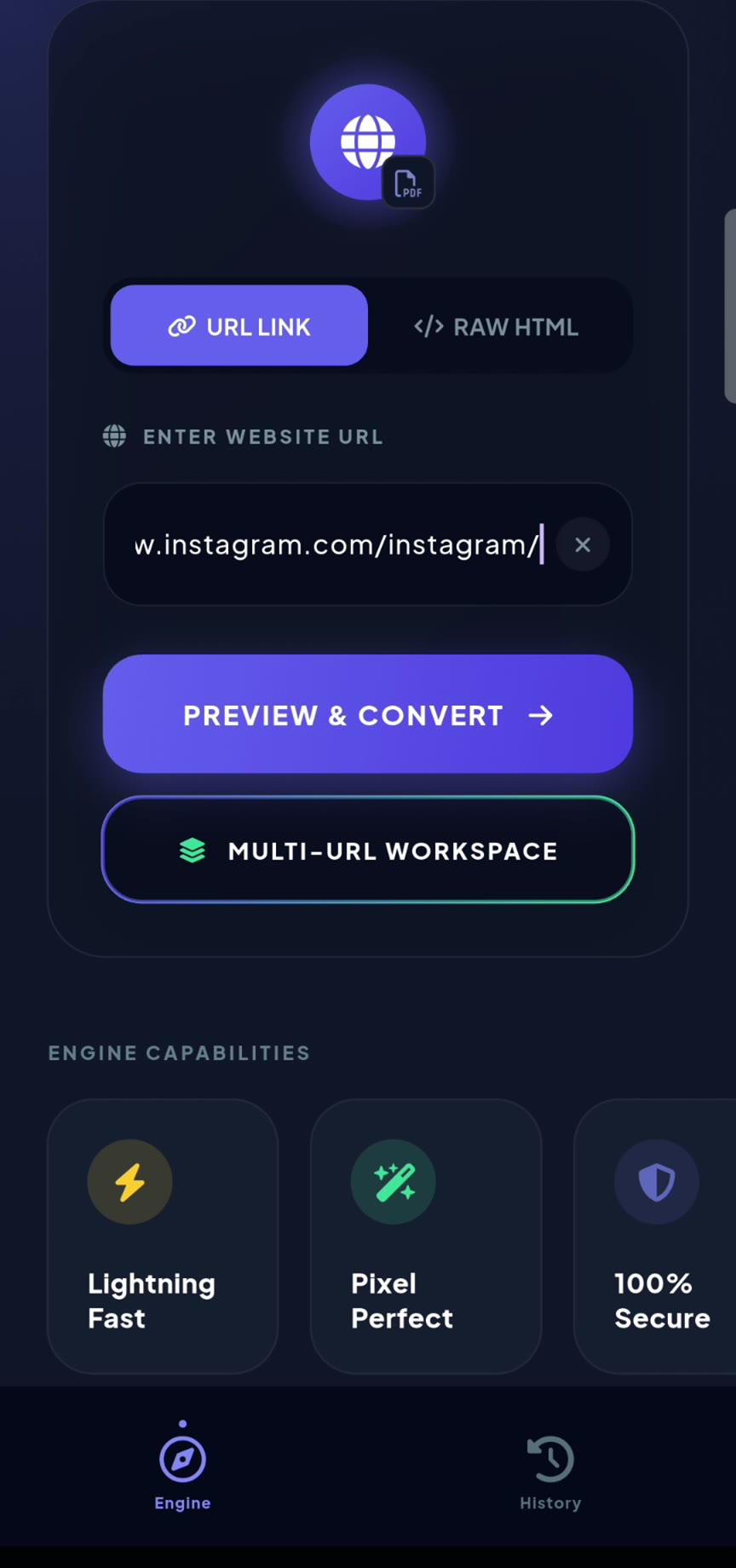
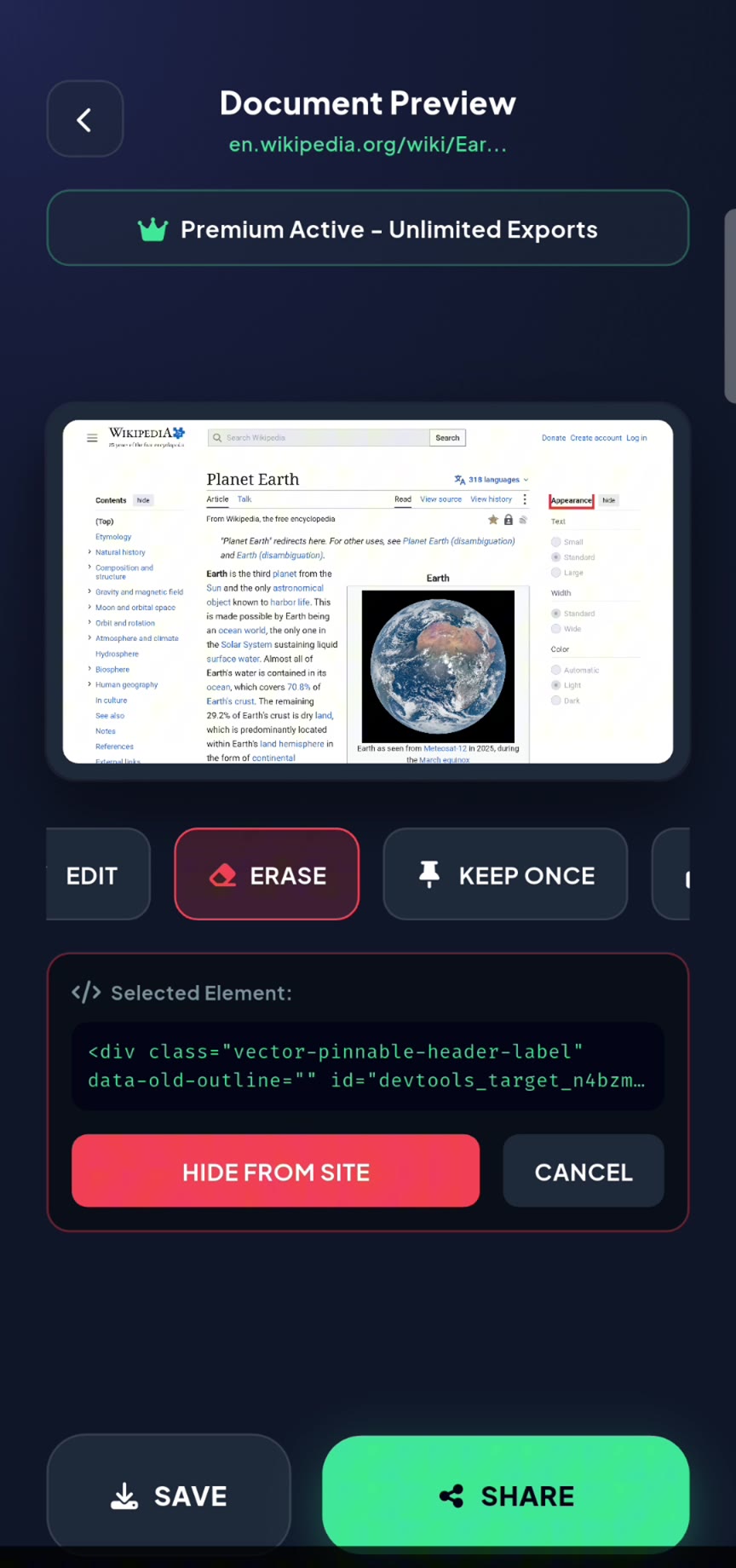
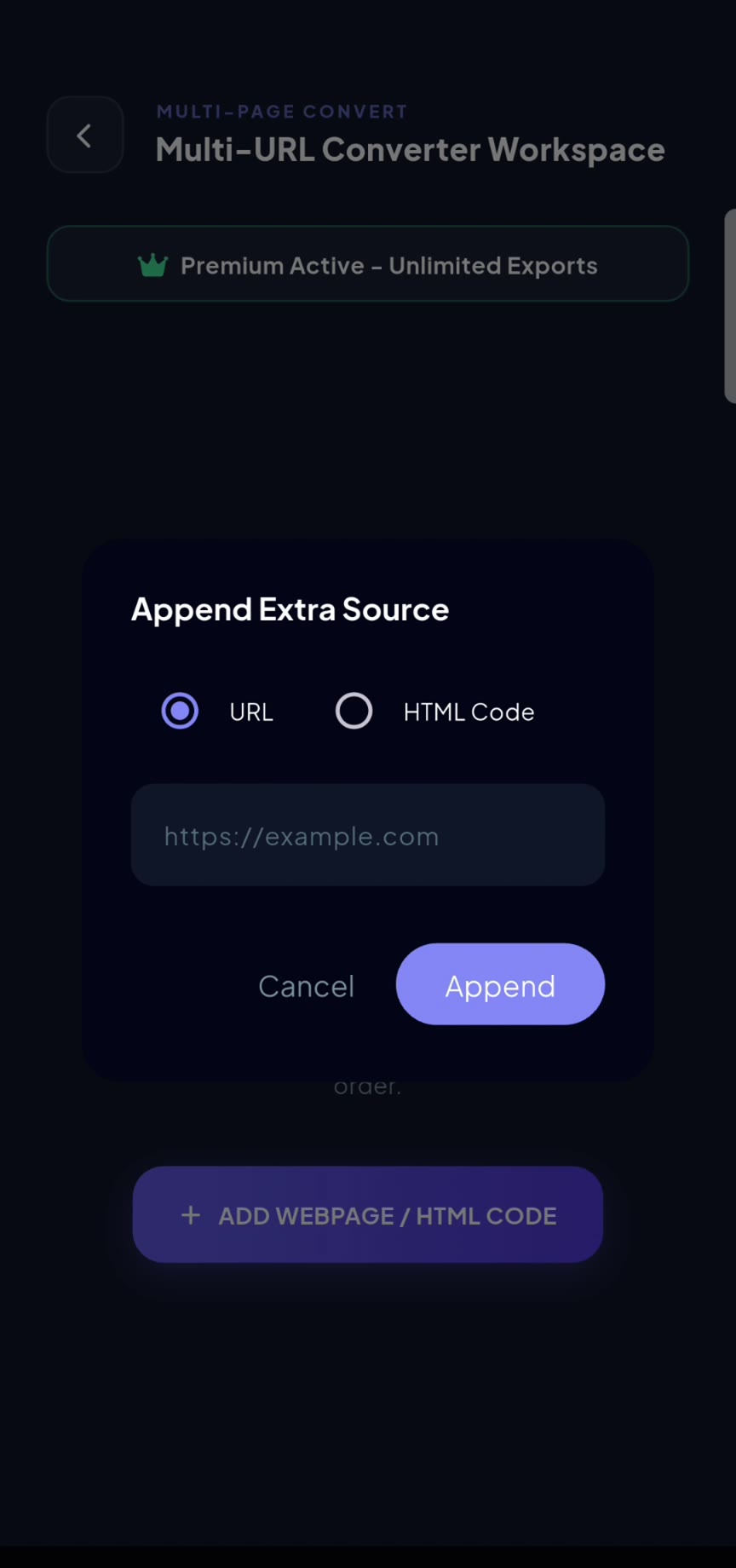
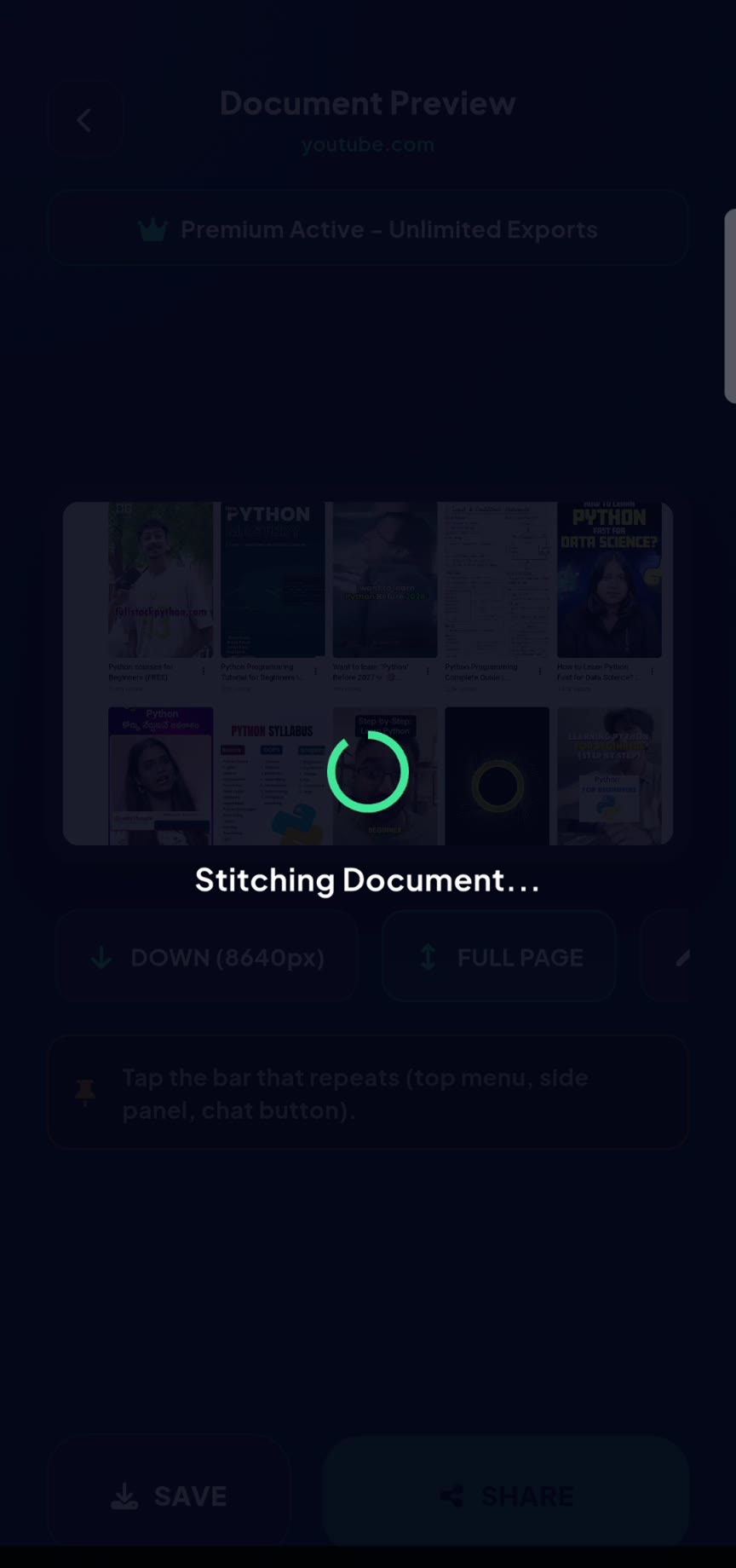
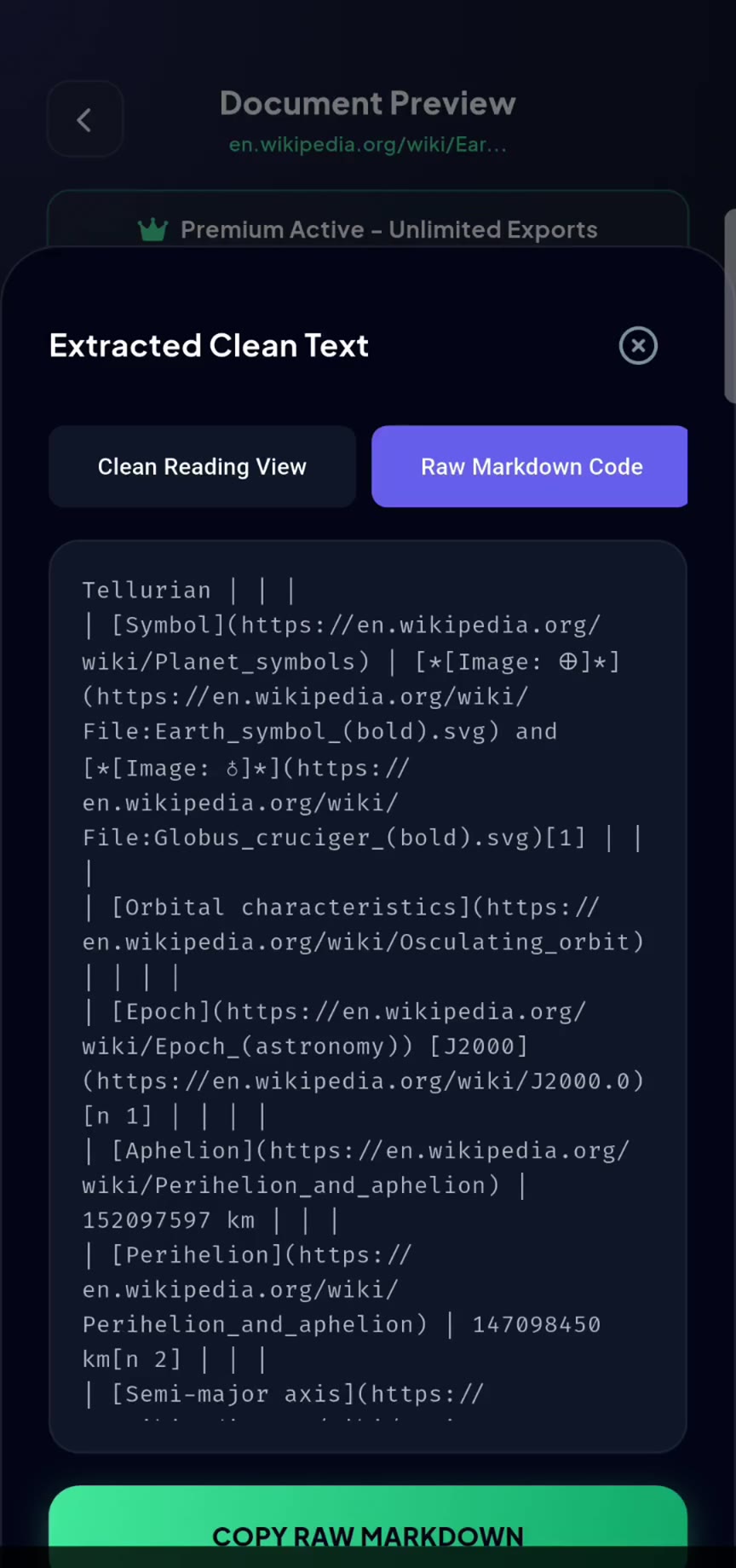
Three kinds of people use Web to PDF every day. Here’s what they save.
Turn articles and study pages into one PDF you can read on the bus, with no Wi-Fi.
Paste HTML, CSS and JavaScript and get a polished PDF in seconds, right from your phone.
Archive receipts, bookings and reports exactly as they appeared, kept privately on your device.
From link to seamless PDF in seconds.
Real screens from the app.
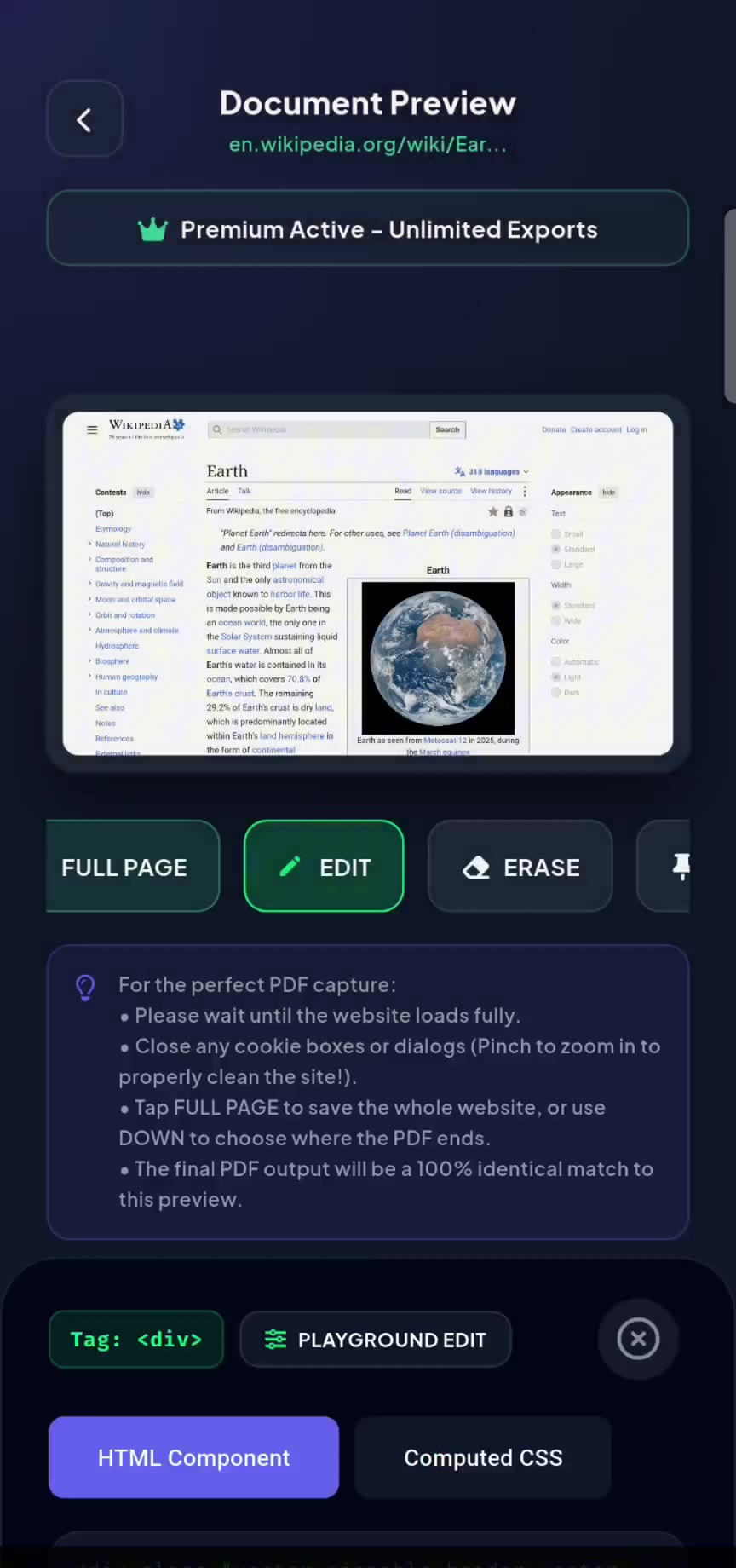
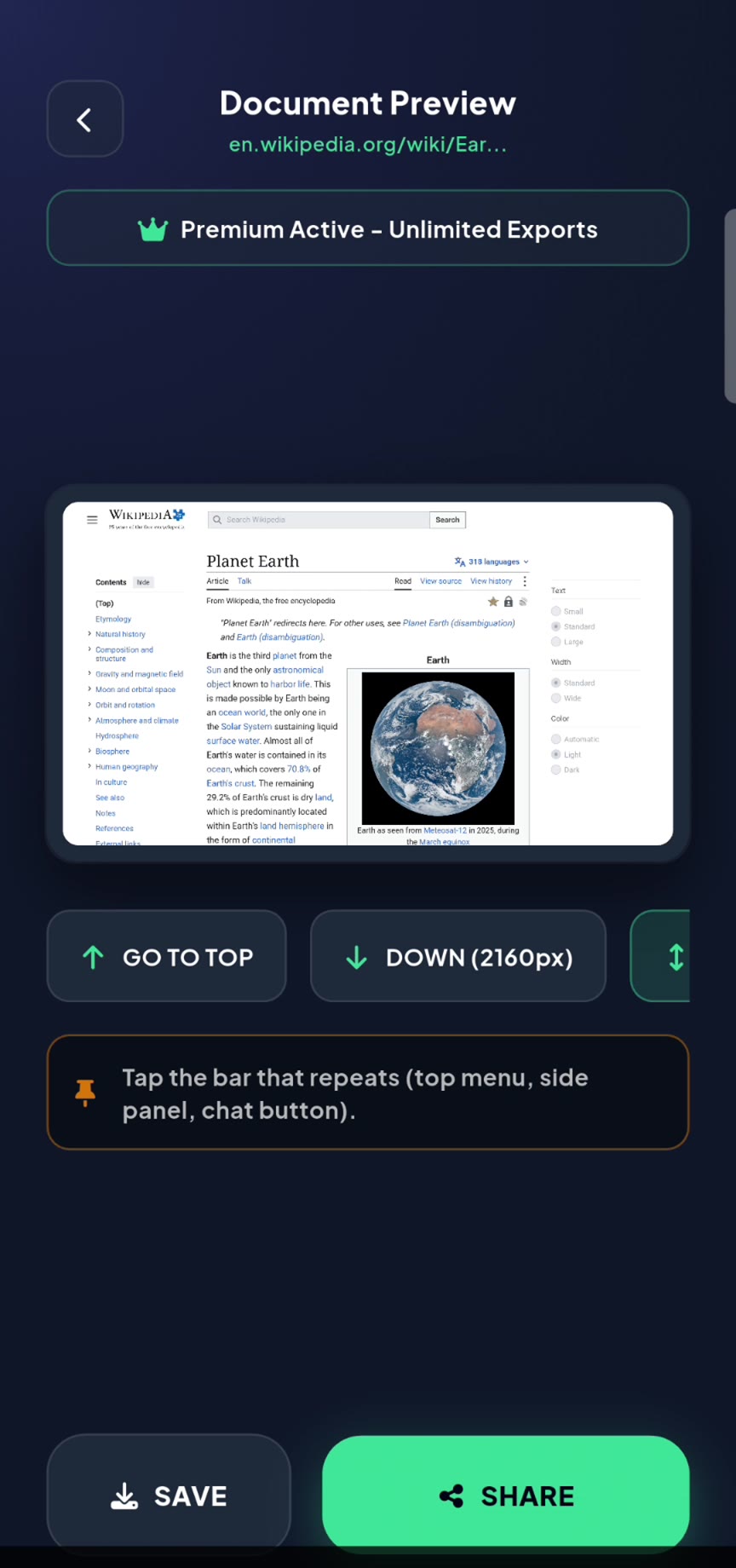
No. Pages are loaded and converted on your device using its built-in browser engine. We don’t log the websites you convert.
No. Your PDFs are clean, with no watermark.
Web to PDF is built for seamless output, so long pages stay in one piece and nothing gets cut in half.
In the offline Vault inside the app, and wherever you choose to save or share them.
Turn any page into one clean, continuous PDF with Web to PDF.
View on Google Play