 DevDuo Software

Shrink any photo to the exact KB you need.
Compress to a target size for online forms, batch compress hundreds of photos in seconds, resize for any platform and share as one ZIP. All on your phone, fully offline.
Pick a target. Drag to compare.
You save 79% of the space.
A sample image for illustration. In the app, the compare slider shows your own photo before and after.
Made for everyday photo problems
From strict upload limits to a phone that’s out of space.
Web forms
Meet exact size limits for job applications, school portals and government forms.
Emails and chats
Avoid attachment limit errors by shrinking camera photos before sending.
Social media
Resize to the right dimensions and post sharp images every time.
Storage relief
Shrink heavy photos in bulk and get gigabytes of space back.
Stop shrinking photos one by one
- Select dozens or hundreds of photos and compress them all at once
- See the original size, new size and total space saved
- Pick JPG or WEBP and the quality or target size for the whole batch
- Export everything as a single ZIP for easy sharing
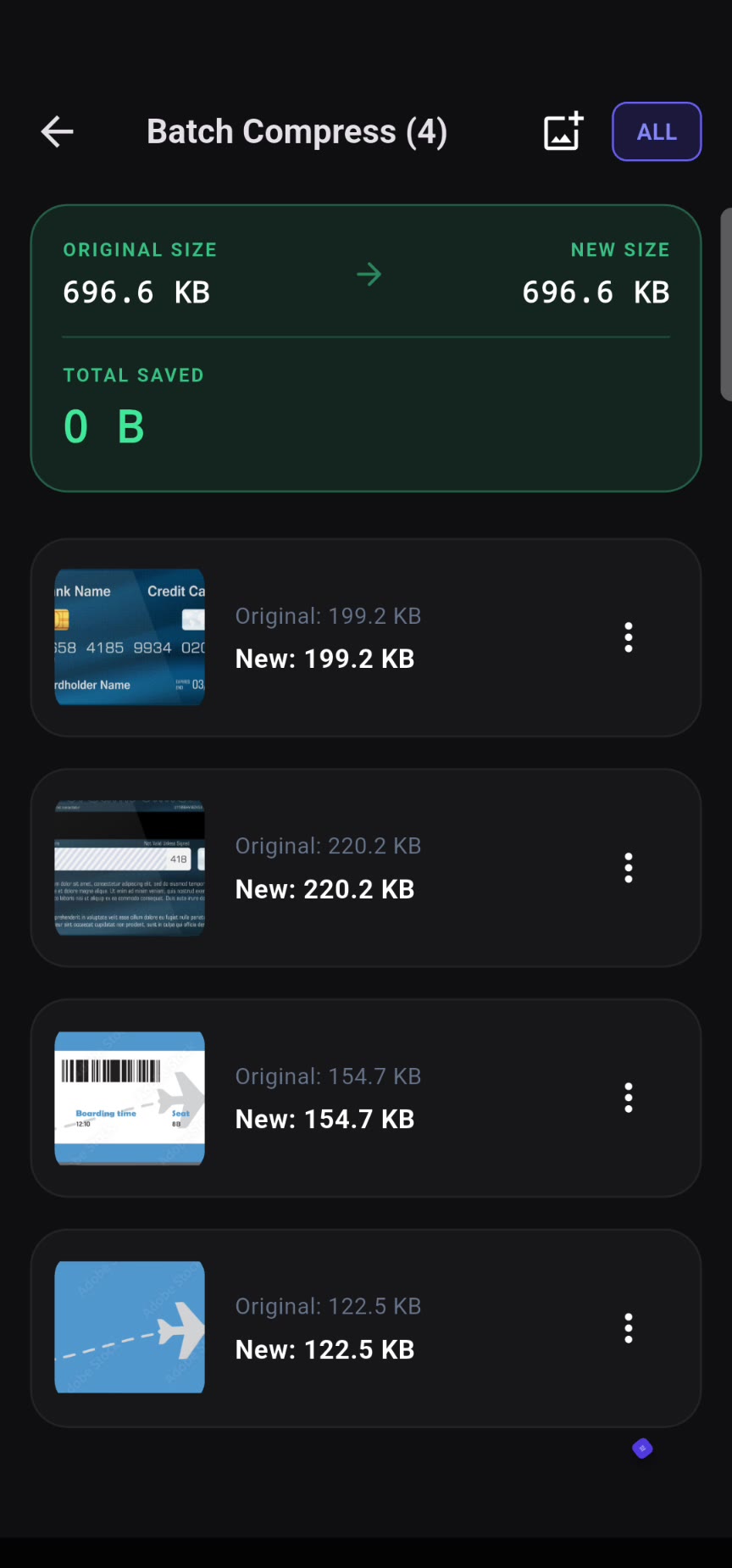
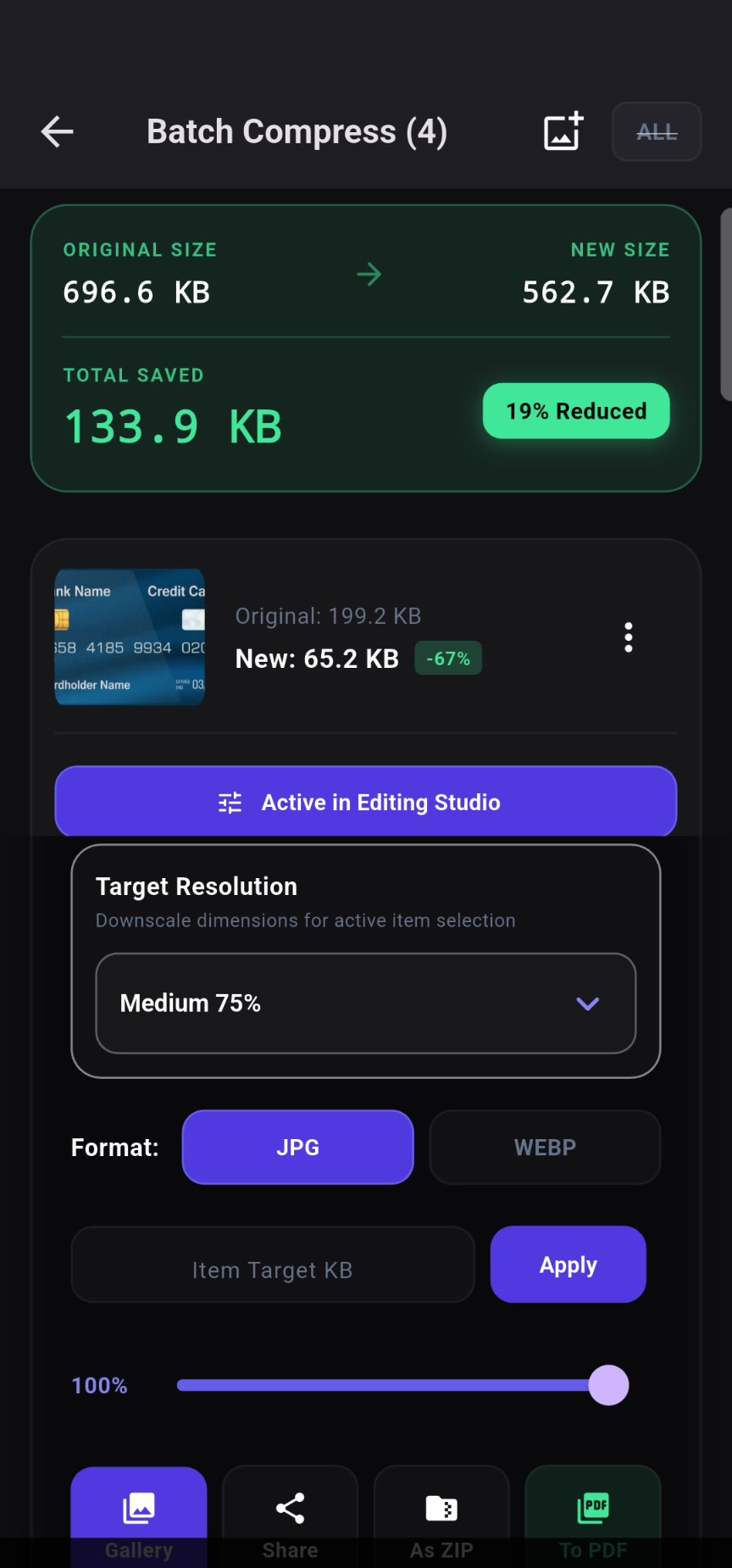
Exact size, right format, clean metadata
- Set a target size like under 100 KB, 200 KB or 500 KB
- Smart presets for WhatsApp, Instagram stories and email
- Remove EXIF data such as location before sharing
- Compare before and after with an interactive slider
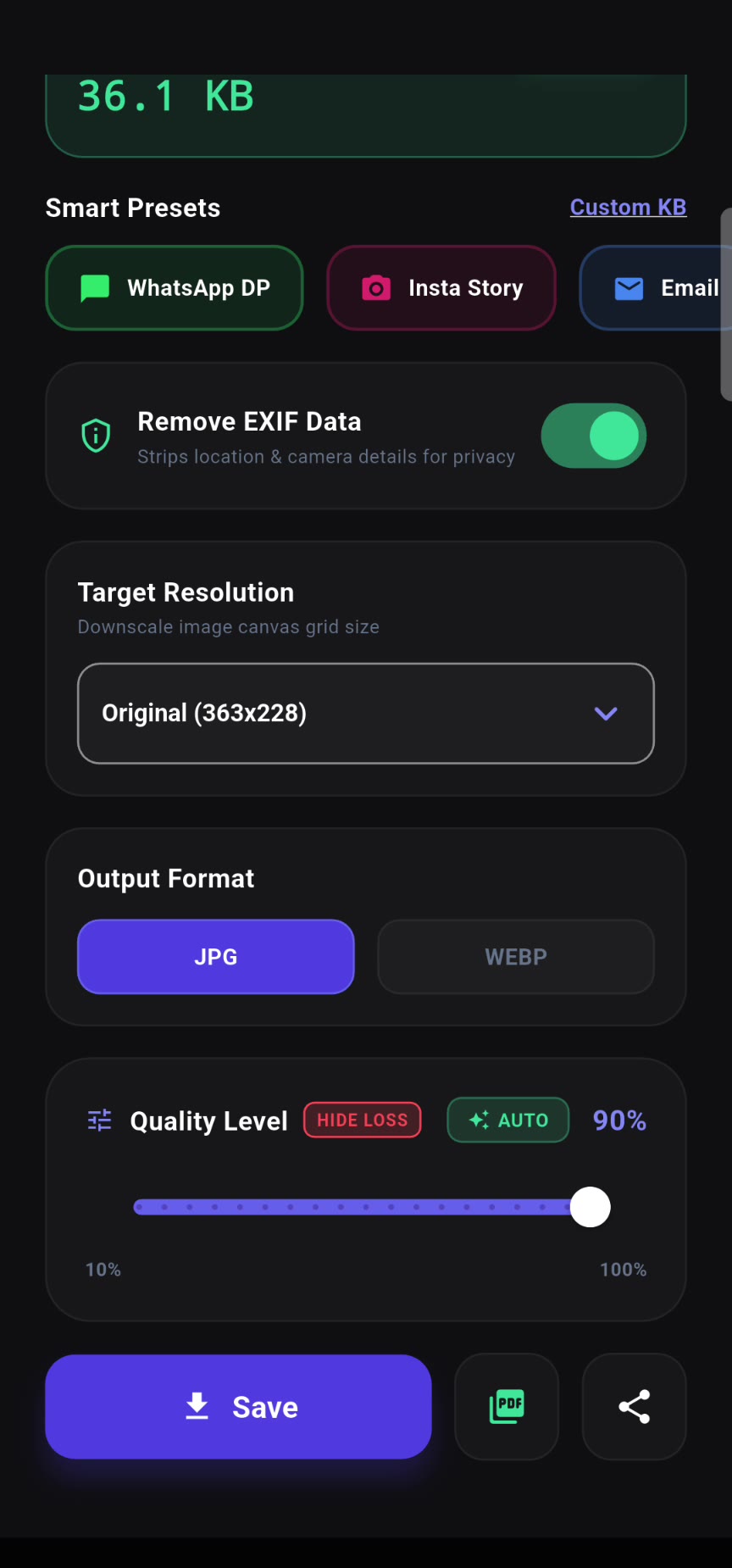
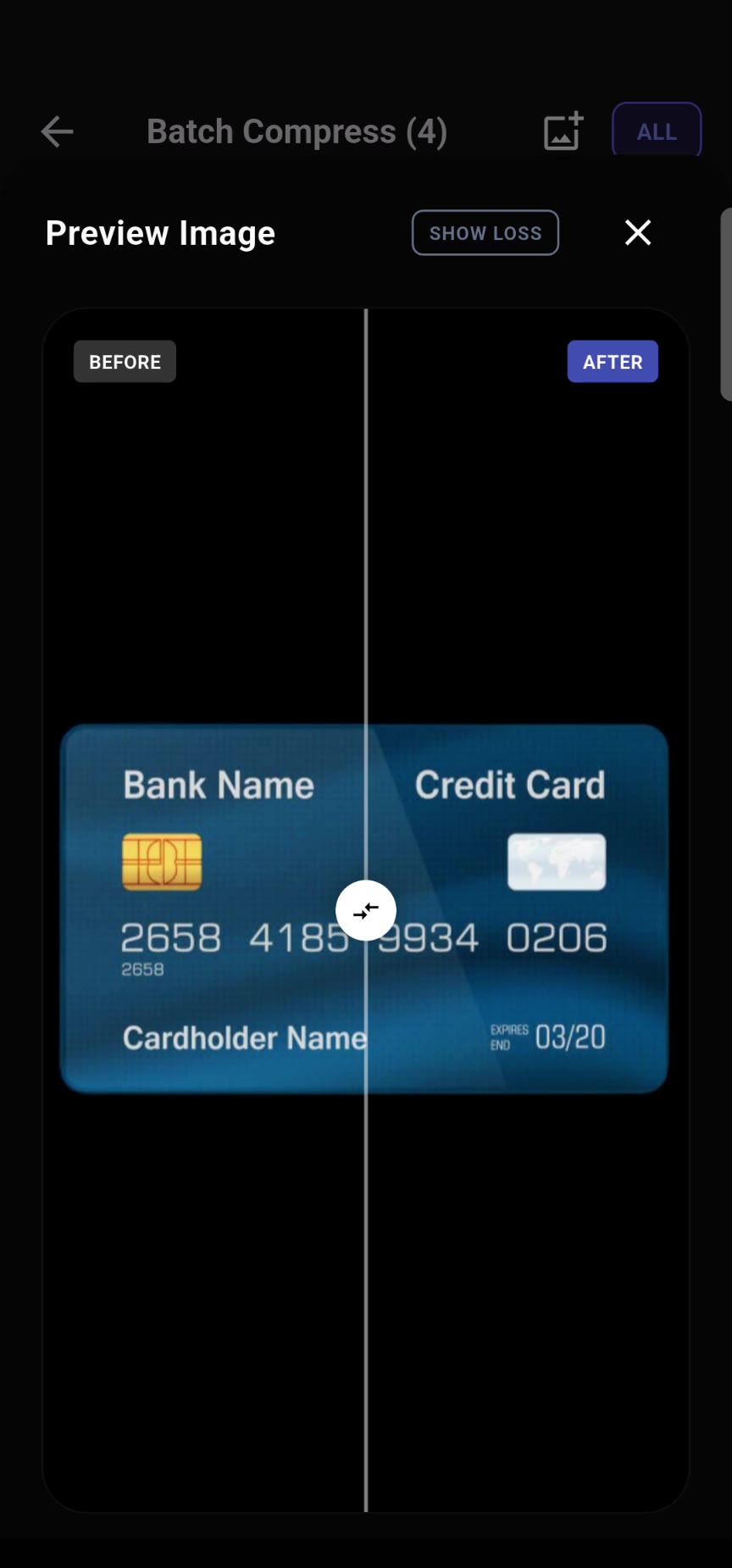
More than a compressor
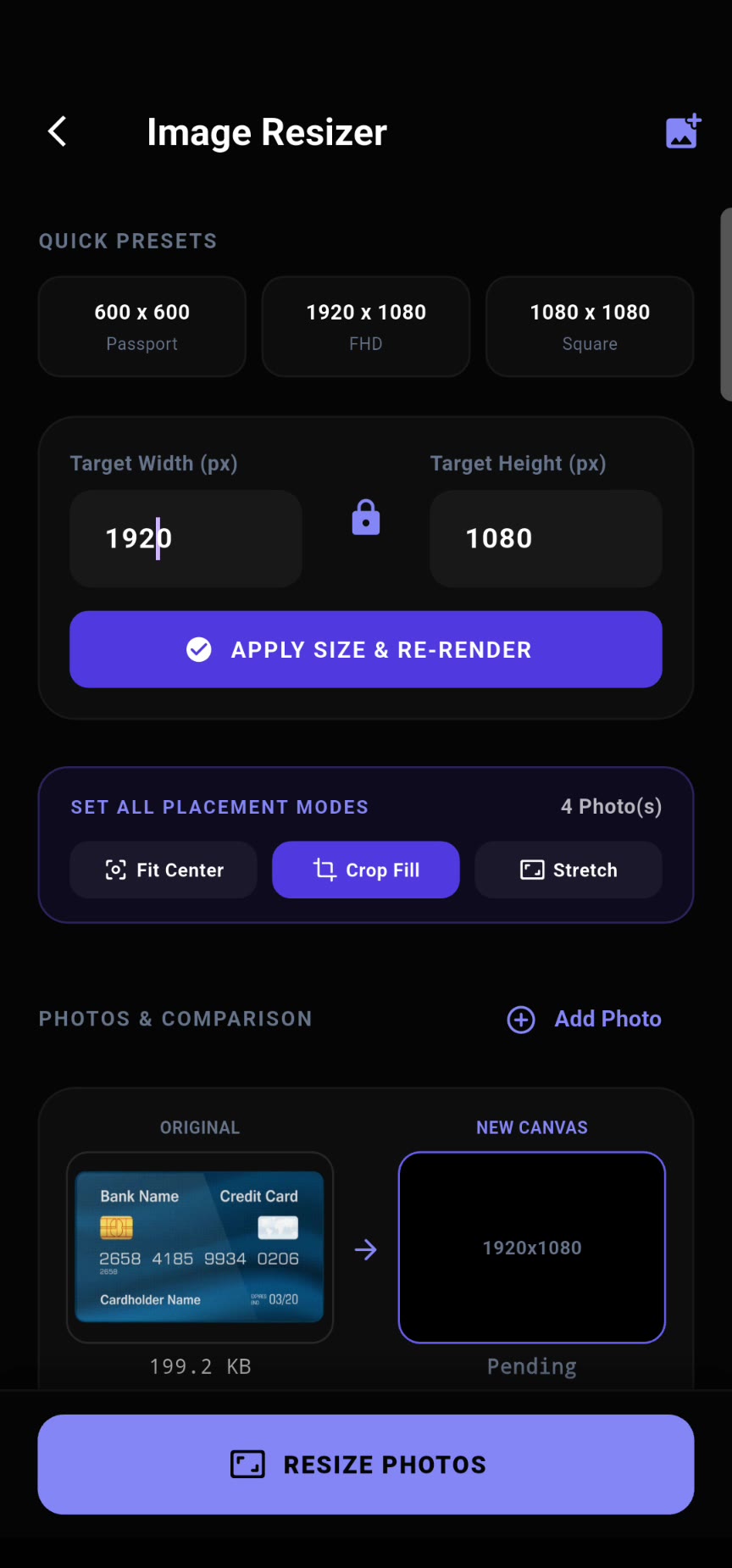
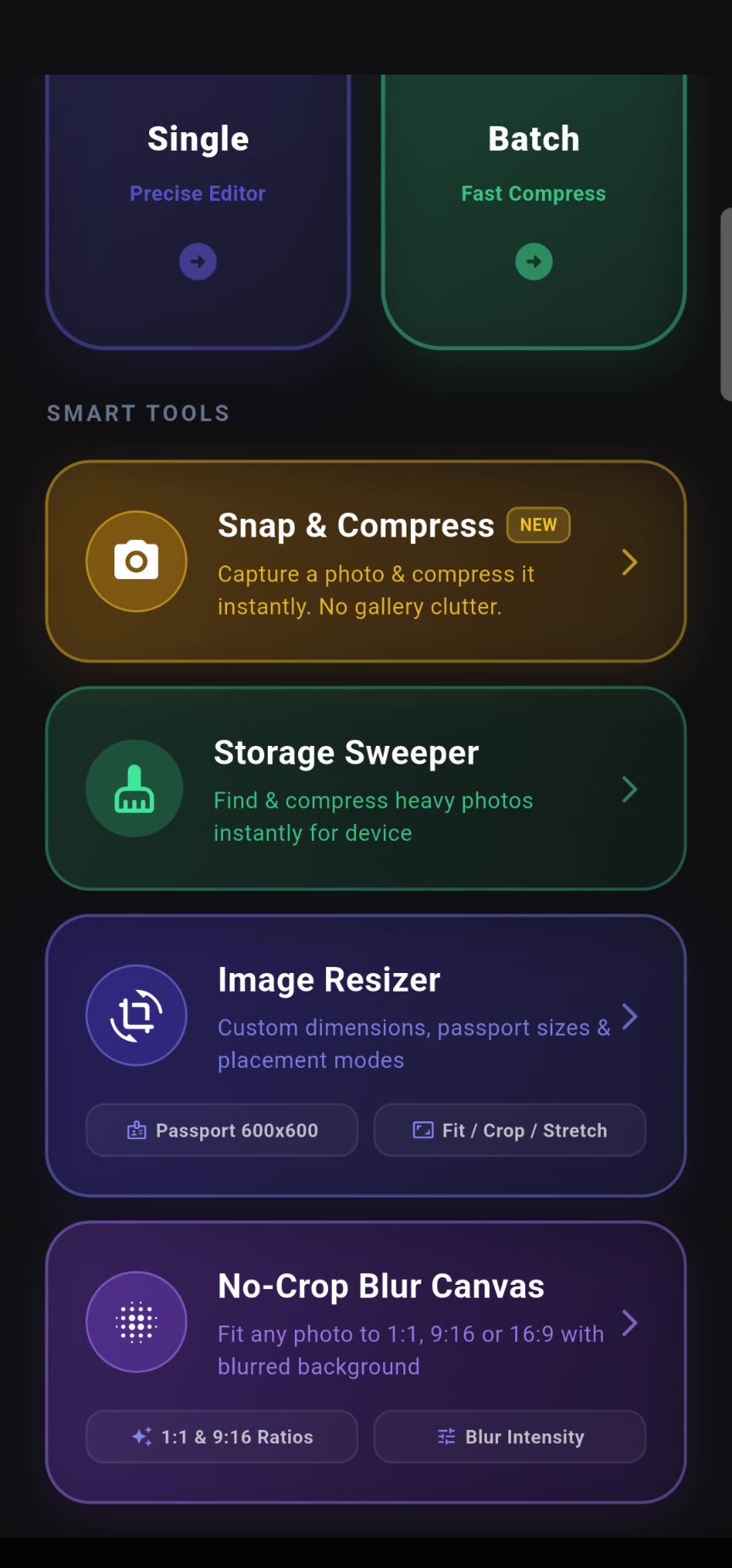
- Image Resizer: exact dimensions, passport sizes and quick presets
- No-Crop Blur Canvas: fit any photo into 1:1, 9:16 or 16:9 with a blurred background
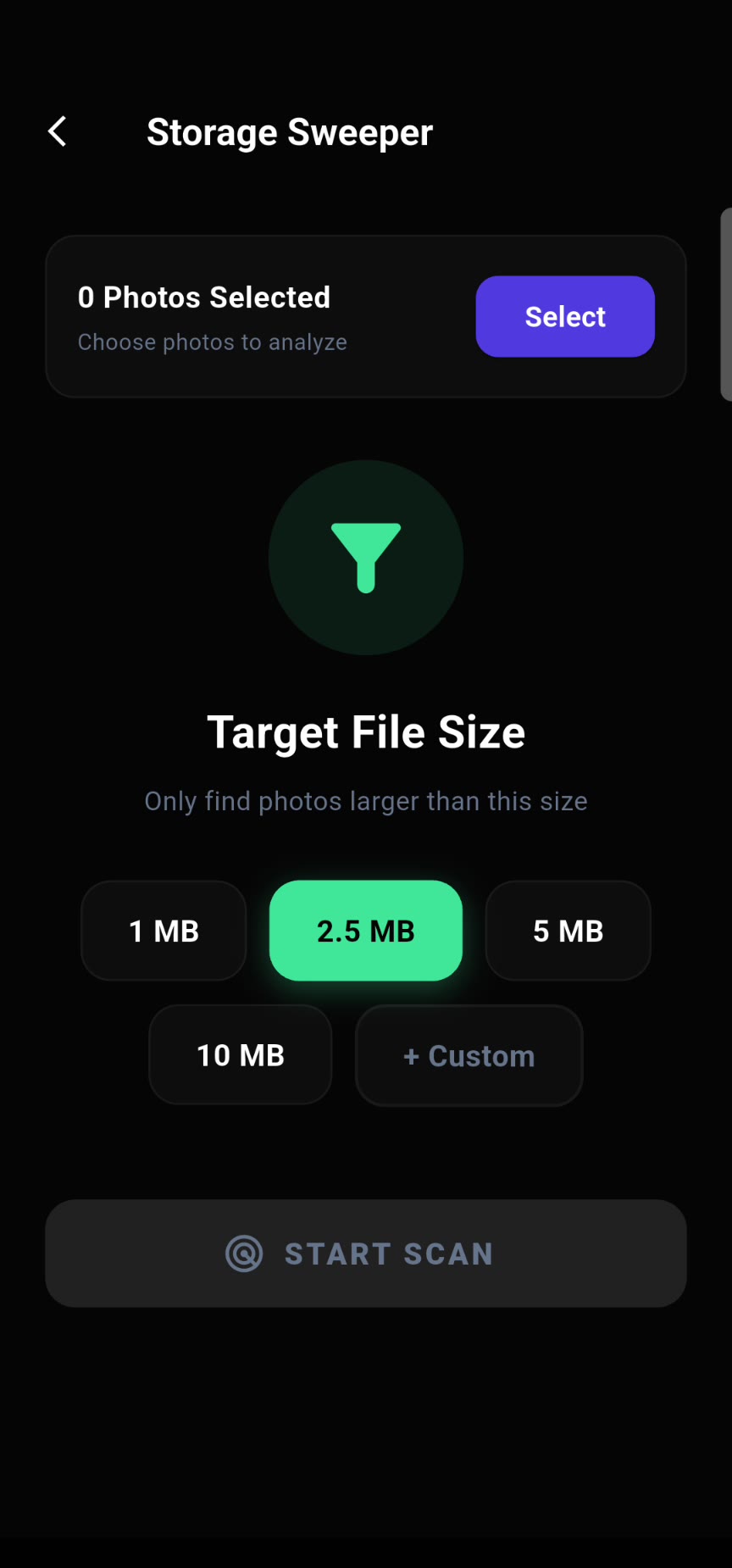
- Storage Sweeper: find and shrink heavy photos to free space
- Snap & Compress: capture a photo and compress it instantly
Watch the trailer
See a full batch go from megabytes to kilobytes.
Take a look inside
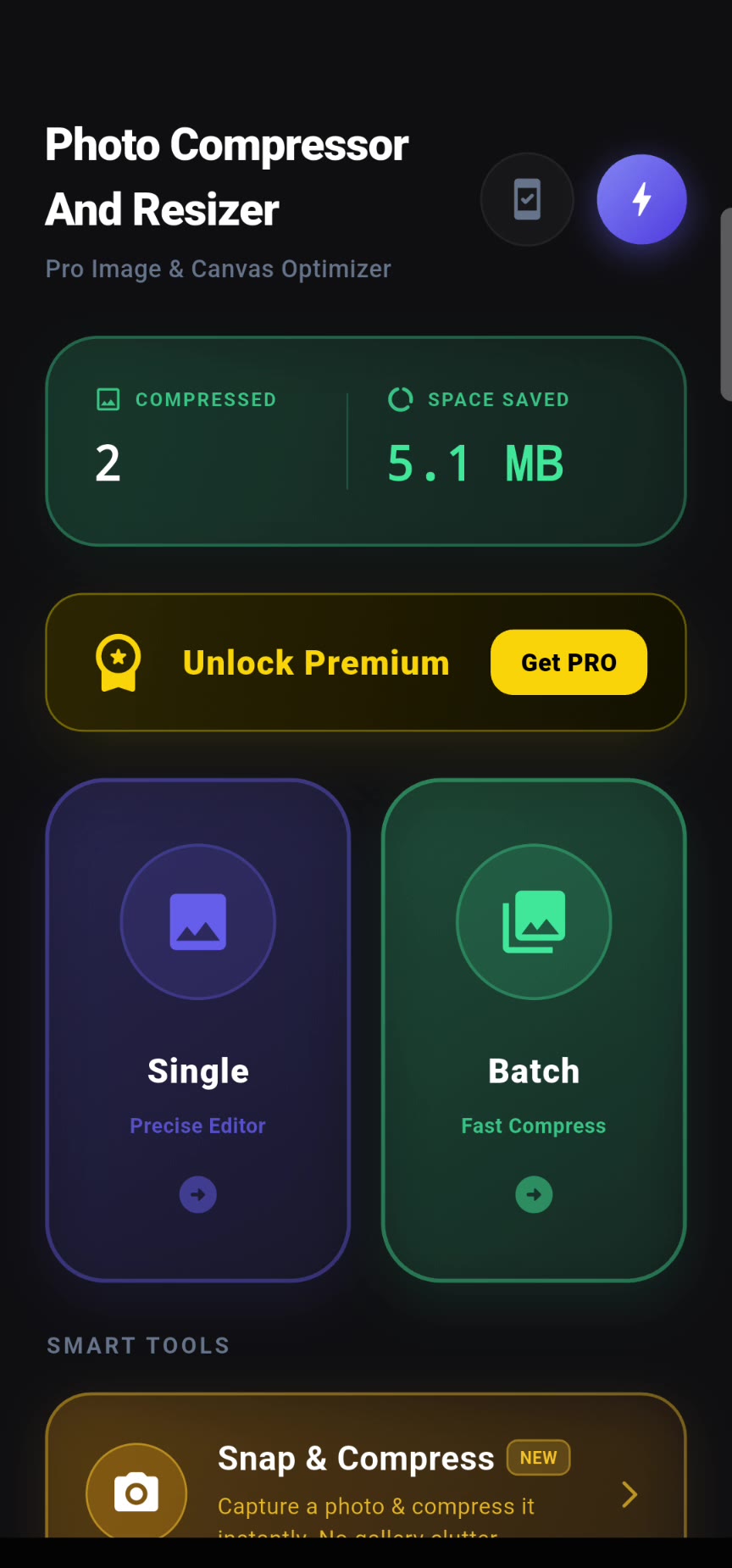
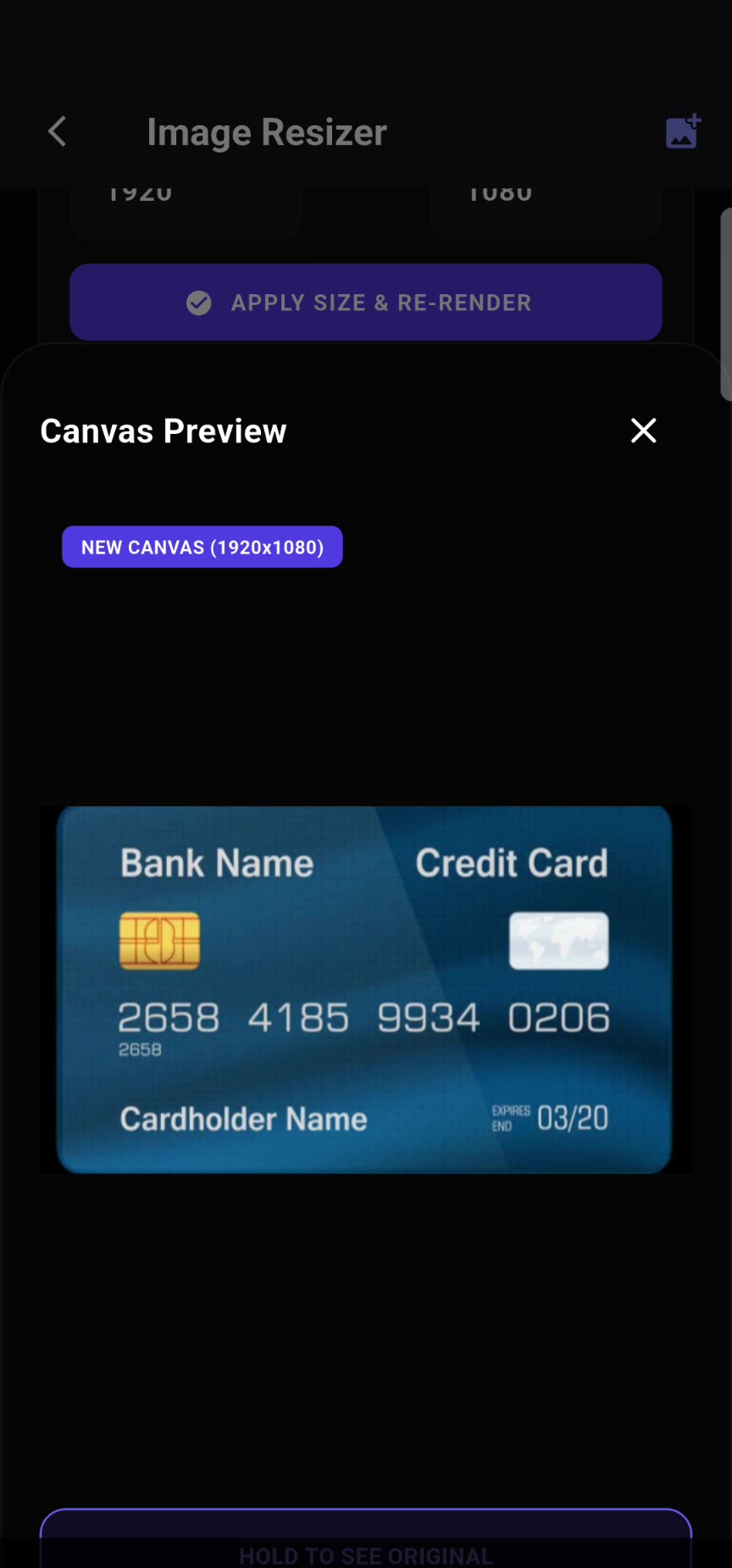
Real screens from the app.
Questions
Are my photos uploaded anywhere?
No. All compression and resizing happens on your phone, and your photos never leave your device. See our privacy policy.
Can I compress to an exact KB size?
Yes. Enter a target such as 100 KB or 200 KB and the app adjusts the photo to fit.
Are my original photos changed?
Compressed copies are saved separately. Always keep a backup of important originals before batch processing.
Which formats are supported?
JPEG, JPG, PNG and WEBP, with JPG or WEBP output and ZIP export for batches.
Lighter photos, in seconds
Start shrinking and sharing your photos with Photo Compressor & Resizer.
View on Google Play